


See the fault on your phone before going to the workshop
Plug OBDTalk into the OBD port and open the app. See the fault code and its meaning, clear it, watch live data. No computer needed.
- Android and iOS
- 18 brands, 39 models
- Bluetooth, wireless
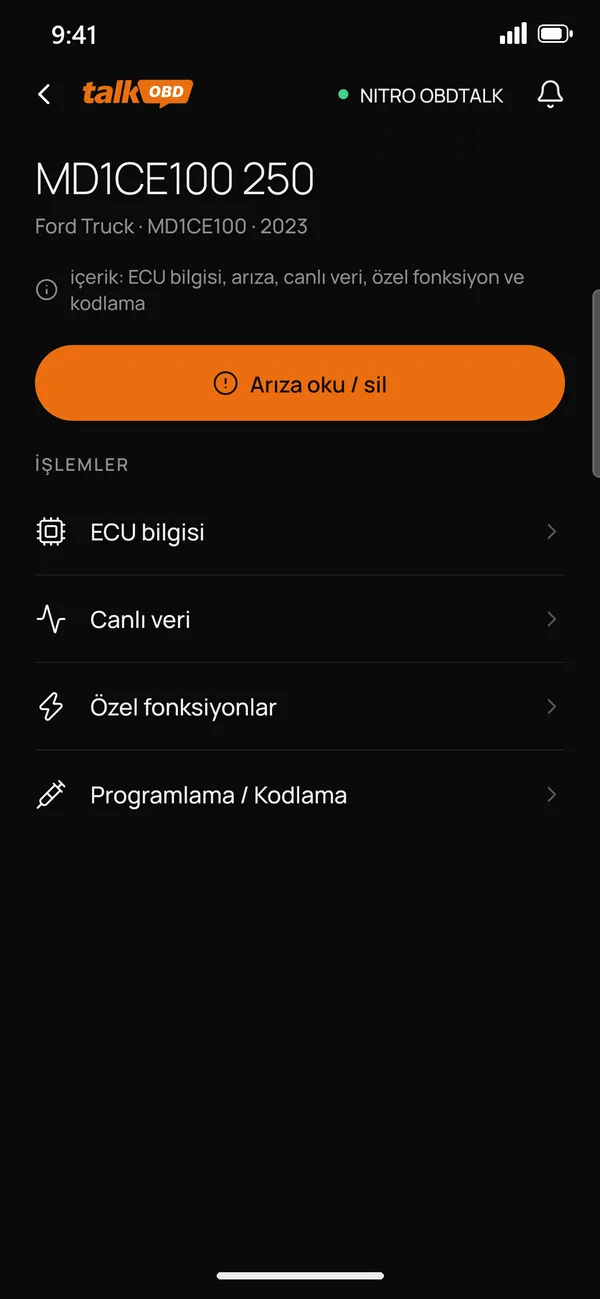
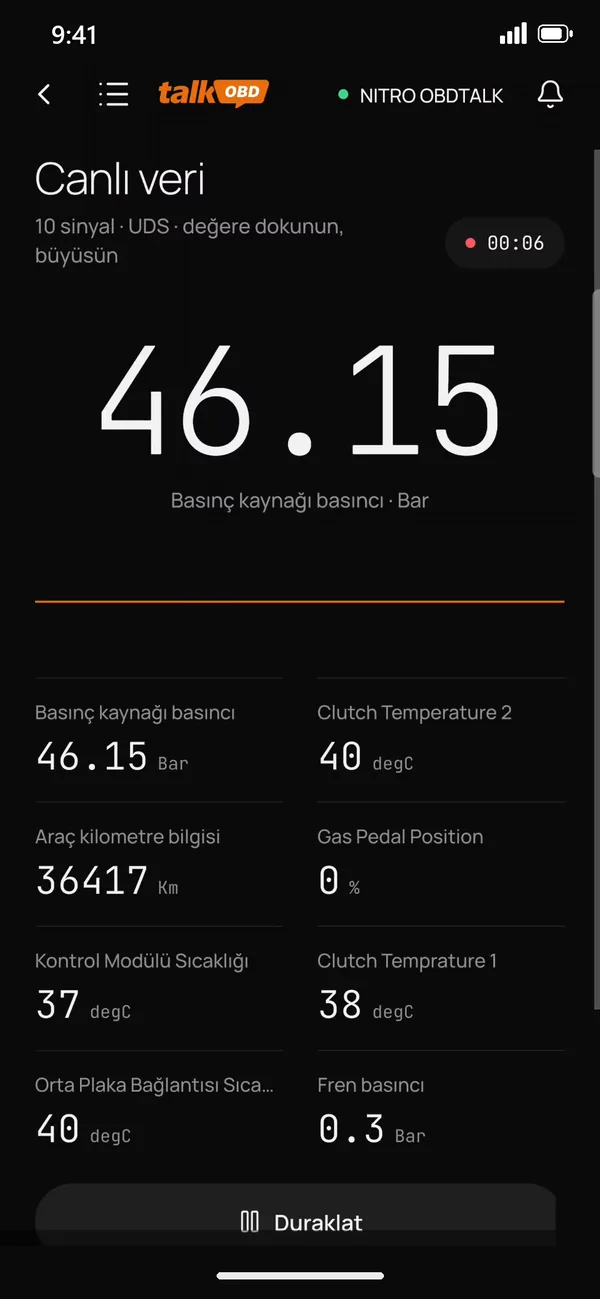
From trucks to buses, works with 18 brands
39 models; the functions for each are on the brand page.





How Does OBDTalk Work?
Three steps from plugging in the device to diagnosing the vehicle.
- 1
Plug In the Device
Connect the OBDTalk device to the vehicle's OBD port.
- 2
Connect to Your Phone
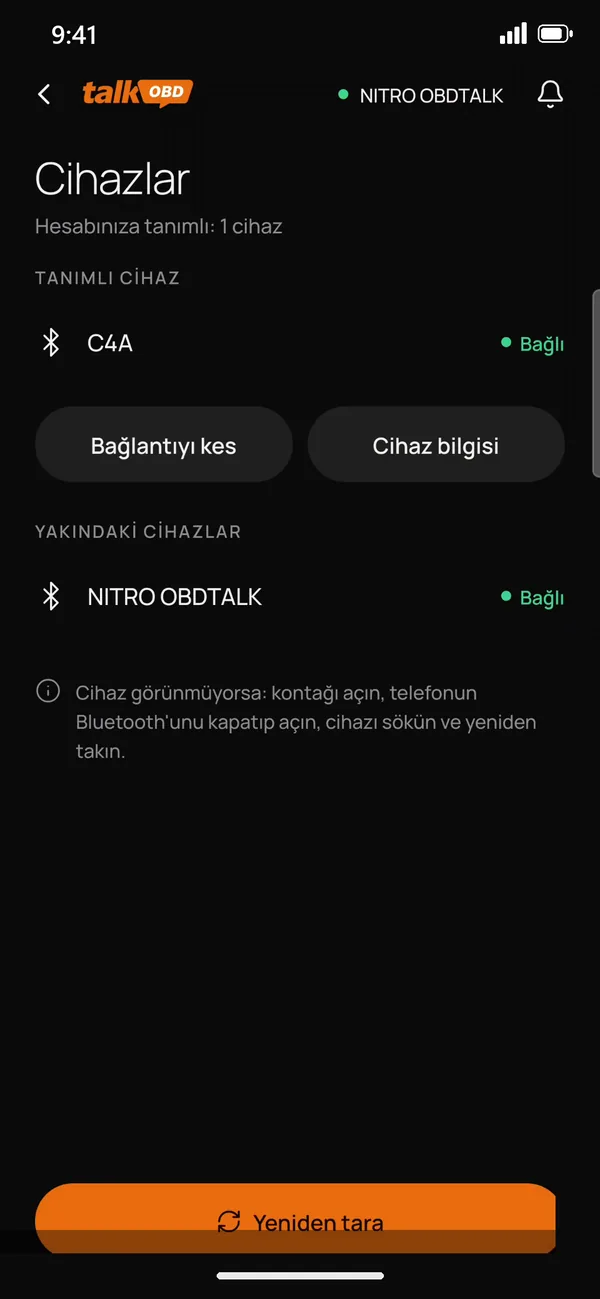
Open the OBDTalk app and establish the Bluetooth connection.
- 3
Diagnose
Read fault codes, review live data and clear supported fault codes.


Frequently Asked Questions
Which vehicles does OBDTalk work with?

It works with supported ECU systems across 18 brands, mainly heavy trucks: DAF, Ford Trucks, Iveco, MAN, Mercedes-Benz, Renault Trucks, Volvo Trucks and more. The current list is on the Supported Brands page; if you are not sure, ask about your vehicle on WhatsApp.
Do I need a computer?
No. Plug the device into the vehicle's OBD port and connect over Bluetooth with the OBDTalk app on your Android or iOS phone.
Can I clear fault codes?
On supported ECUs, yes: use "Read / clear faults" in the app to read and clear codes. If the cause of the fault is not fixed, the code comes back after a while.
Where is the OBD port?
On most trucks it is on the driver or passenger side, under the front panel. Find the location for your vehicle on the OBD Port Locations page.
Is the app paid?
The OBDTalk app is free to download from the App Store and Google Play. Message us on WhatsApp for information about the device.
Do I need technical skills?
No. The app guides you step by step and shows what each fault code means. Special functions such as injector coding write permanently to the vehicle, so they should be done by someone who knows the job.
Will OBDTalk affect my vehicle's warranty?
Like other diagnostic tools, OBDTalk reads and clears fault codes. Warranty terms differ by manufacturer, so if your vehicle is still under warranty, check with your dealer first. While the warranty lasts, leave jobs that write permanently to the vehicle, such as injector coding, to an authorised service.
Does the device have a warranty?
Yes, the OBDTalk device comes with a 2-year warranty. If you have a problem with your device, contact us on WhatsApp or through the contact page and we will sort it out.


OBDTalk, Nitro Mekatronik'in ağır vasıta ve ticari araçlar için geliştirdiği arıza tespit çözümleridir. 2009'dan beri Adana'dan, Türkiye'nin dört bir yanına.